How to Automate Lead Follow-Up for Furniture Showrooms Using CRM + WhatsApp
- Home
- How to Automate Lead Follow-Up for Furniture Showrooms Using CRM + WhatsApp

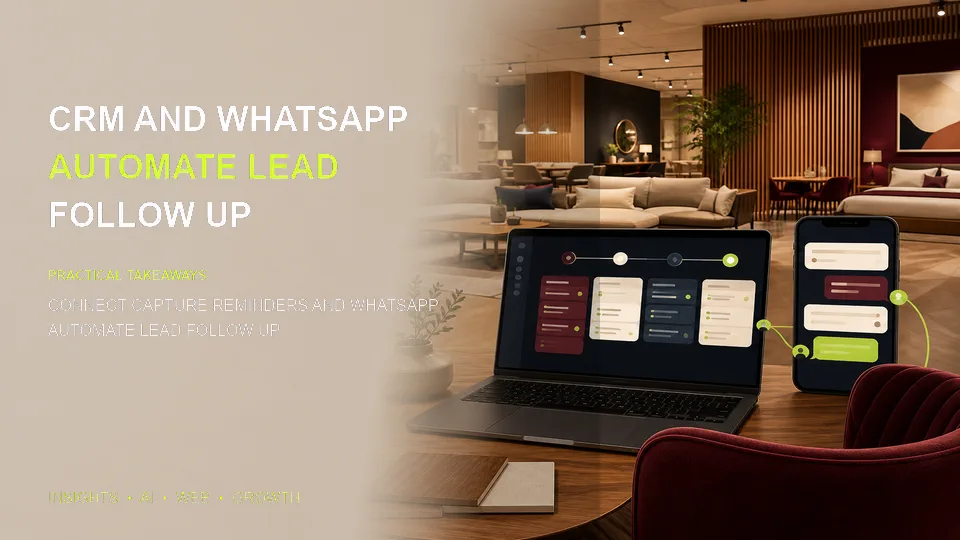
WhatsApp CRMJUNE 2026
How to Automate Lead Follow-Up for Furniture Showrooms Using CRM + WhatsApp
Ask any furniture showroom owner what their biggest sales challenge is, and the answer is almost always the same: following up consistently. A customer inquires about a dining set, gets a quote, says "let me think about it" — and then your salesperson gets busy, the WhatsApp message gets buried, and the customer ends up buying from a competitor who followed up.
The fix isn't hiring more salespeople. It's automation. Here's exactly how to set up automated lead follow-up for your furniture showroom using CRM and WhatsApp.
Why Manual Follow-Up Fails in Furniture Sales
Furniture sales cycles are typically 1–4 weeks. That means you need to stay in touch with a prospect for an extended period without being pushy. Most salespeople do 1–2 follow-ups and then give up — because they have 40 other active leads to manage.
Automation solves this: it follows up reliably on every lead, on a schedule, without your team having to remember or do anything.
Step 1: Centralise All Your Leads in a CRM
Before you can automate follow-up, all your leads need to be in one place. If leads are split across multiple WhatsApp numbers, spreadsheets, Instagram DMs, and paper inquiry forms — you can't automate effectively.
Set up a CRM (like Furzentic) and create a process where every new lead — regardless of source — gets entered. The entry can itself be automated:
- WhatsApp leads captured by an AI agent and added automatically
- Instagram/Meta ad leads connected via API to auto-create CRM records
- Website form submissions auto-synced to CRM
- Walk-in inquiries entered by showroom staff via mobile app
Step 2: Define Your Follow-Up Sequence
A good furniture showroom follow-up sequence looks like this (adapt to your sales cycle):
- Day 0 (Instant): Acknowledge inquiry, share relevant catalogue, confirm salesperson will follow up
- Day 1: Personalised follow-up: "Hi [Name], just checking if you had a chance to look through the catalogue — any questions?"
- Day 3: Value-add message: share a related product or current offer
- Day 7: Gentle reminder: "We have limited stock on the [product] — would love to help you before it's gone"
- Day 14: Final follow-up: offer a showroom visit or video call to see the product
- Day 30: Long-tail check-in: "Just wanted to stay in touch — let us know if you're still looking"
Step 3: Automate WhatsApp Messages Using CRM Triggers
Once your sequence is defined, connect your CRM to WhatsApp so that messages go out automatically based on where a lead is in the pipeline and how many days have passed since the last interaction.
This requires WhatsApp Business API access (not the regular app) and a CRM with automation rules. In Furzentic, this works natively — you define the sequence once, and it runs for every lead automatically.
Important: WhatsApp requires opt-in for outbound messages. Make sure your initial conversation captures the customer's implicit or explicit consent to receive follow-ups.
Step 4: Personalise with Data from the CRM
The most effective automated messages are personalised. Instead of "Hi Customer, check out our offers", it should be "Hi Sunita, just following up on the wooden bed frame you were interested in — we've just received some new walnut finish options you might like."
This level of personalisation is only possible if your CRM has captured the right details: the customer's name, their product interest, their budget range, and any specific requirements they mentioned.
Step 5: Know When to Switch to Human
Automation handles nurturing — but closing is still best done by a person. Set up alerts in your CRM so that when a customer:
- Replies to a follow-up with specific questions
- Says they want to visit the showroom
- Asks about payment options or delivery timing
...your salesperson gets a notification and takes over the conversation immediately.
How Furzentic Does This Automatically
Furzentic was built with this exact workflow in mind. The WhatsApp AI agent (Kia) handles instant responses and initial follow-ups, the CRM captures and organises all lead data, and automated sequences run based on lead stage and time elapsed. Salespeople get notified when a lead is hot.
Want to see it set up for your showroom? Book a demo with Autozentic.